

If you’ve recently checked your Programs list, Task Manager, or browser extensions and noticed Wave Browser, you’re not alone. Thousands of users search every month for “what is Wave Browser”, “is Wave Browser safe,” and “why is Wave Browser on my computer?” because the program often appears unexpectedly. This guide breaks down what Wave Browser is, why it’s installed, what WaveBrowser.exe does, whether it is a virus or malware, how it behaves on Windows systems, and step-by-step instructions to remove it if needed.
What Is Wave Browser?
Wave Browser is a third-party web browser developed by a company called WaveSor Software. It’s based on Chromium—the same open-source platform used by Chrome, Brave, and Edge. However, unlike mainstream browsers, Wave Browser is not considered a trustworthy or widely-used browser. Instead, it is commonly classified as a PUP (Potentially Unwanted Program) because of its installation methods and aggressive behavior on Windows.
Wave Browser often:
-
appears on PCs without clear consent
-
modifies default browser settings
-
installs multiple background processes
-
displays intrusive ads
-
redirects searches
-
changes the default search engine
This leads many users to uninstall it immediately.
Why Is Wave Browser Installed on My Computer?
Most people say: “I never installed Wave Browser, what is Wave Browser doing on my PC?”
Wave Browser commonly gets installed through:
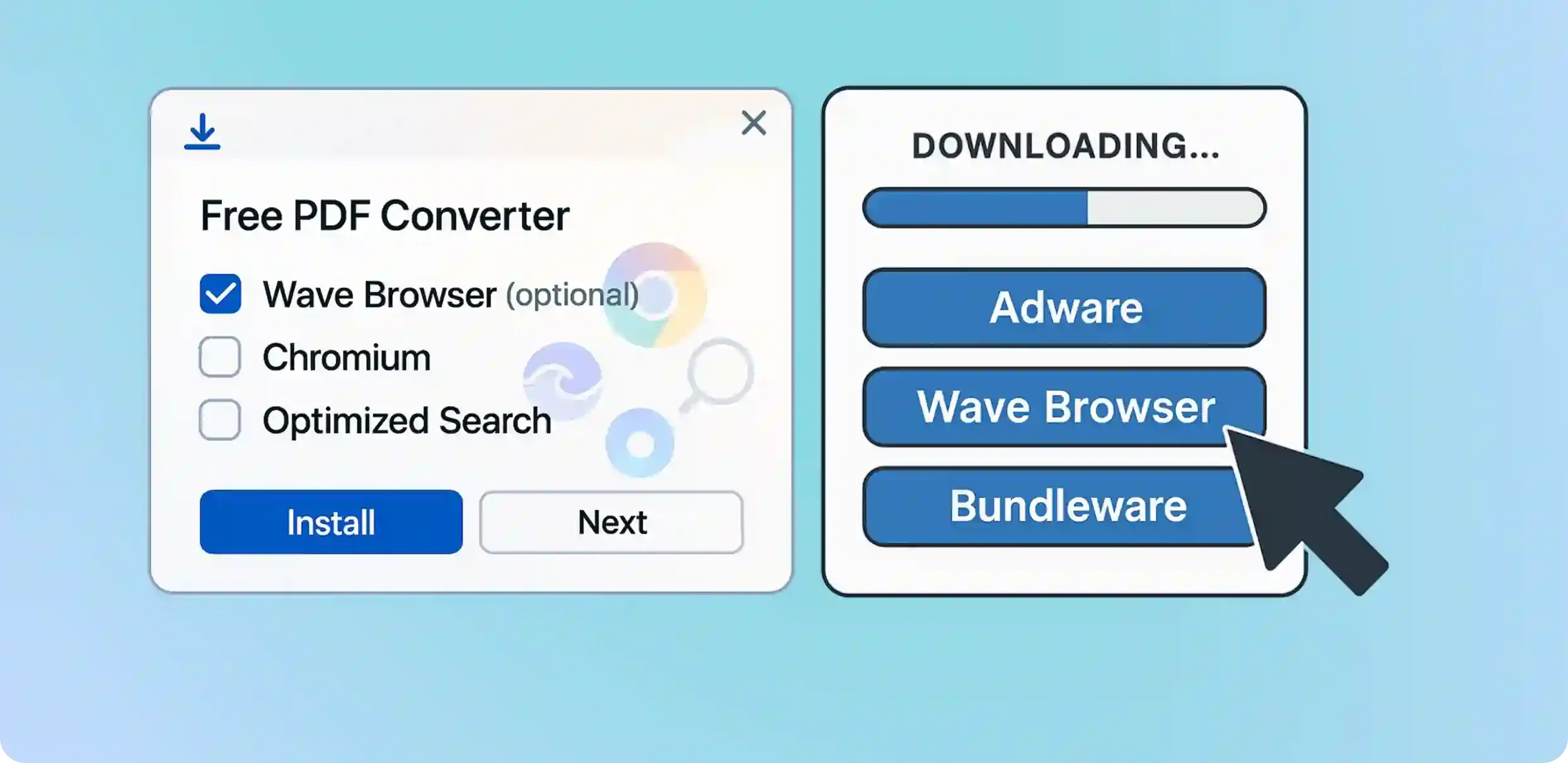
Software bundles
It often comes packaged with:
-
free apps
-
file converters
-
PDF tools
-
video downloaders
-
pirated software
-
game mods
Users click “Next” during installation and unknowingly agree to install Wave Browser.
Misleading download buttons
Fake or deceptive “Download” links can trigger the installation.
Aggressive installers
Some installers force Wave Browser to install even when users click “Decline.”
Browser hijacker behaviors
It may reinstall itself after removal, which is why many search:
“Why does Wave Browser keep reinstalling?”
Is Wave Browser Safe?
Short answer: No, it is not considered safe.
Wave Browser is not classified as a virus, but it is widely flagged as:
-
PUP (Potentially Unwanted Program)
-
Browser hijacker
-
Adware-like software
Security analysts warn that its behavior mimics malware-adjacent software, including:
-
modifying browser settings without permission
-
collecting device activity
-
injecting ads and pop-ups
-
redirecting search queries
-
resisting removal
Many antivirus tools detect Wave Browser and related files as suspicious or potential threats.

Is Wave Browser a Virus or Malware?
Wave Browser is not technically a virus.
However:
-
It behaves like adware,
-
installs itself like a PUP,
-
reinstalls itself like malware,
-
and uses persistence tricks similar to browser hijackers.
So while Wave Browser isn’t classified as a traditional virus, it is not safe to keep on your computer.
What Is wavebrowser.exe?
Wavebrowser.exe is the main executable file responsible for running the Wave Browser application. You might see it in:
-
Task Manager
-
Program Files
-
Start-up apps
-
Background processes
If Wavebrowser.exe launches without your permission, it means the program is actively running in the background, often without user consent. Tech readers may also check What Is an A2 Stock and What Is a Paring Knife Used For.
What Is Wave Browser on My Laptop / PC?
If Wave Browser appears on your:
-
Laptop
-
Desktop
-
Work PC
…then it was installed:
-
bundled with another program
-
through a misleading installer
-
without explicit permission
Wave Browser may also register itself as your default browser, replacing Chrome or Edge unexpectedly.
What Is Wave Pro Browser / Wave Browser Pro?
Some users report seeing “Wave Browser Pro” or “Wave Pro Browser” in programs. These are rebranded variations of the same browser. They are not premium upgrades, just different versions of the same PUP, often bundled with other questionable software.
What Is a Wave Browser HTML Document?
Sometimes Windows files change their default “Open with” setting to Wave Browser. That means HTML documents automatically open in Wave Browser, even if you didn’t set it that way. This is part of its browser hijacking behavior.
How Wave Browser Behaves on Your Computer
Users commonly report the following behaviors:
Changes default search engine
Searches may redirect through unknown engines.
Opens automatically at startup
Even after disabling it in Startup.
Installs extra services
Background processes may appear tied to Wave Browser.
Collects browsing data
Most PUP browsers track activity aggressively.
Hard to uninstall
Uninstallers often fail or leave hidden files behind.
Reinstalls itself
Especially if bundled installers or leftover files remain.

How to Remove Wave Browser Completely
Removing Wave Browser requires more than just uninstalling it from Windows.
Here is the complete, safe, and thorough removal process:
Uninstall Wave Browser (Control Panel)
Windows 10/11:
-
Go to Settings
-
Click Apps
-
Find Wave Browser
-
Click Uninstall
Remove Wave Browser from Startup
-
Open Task Manager
-
Go to Startup tab
-
Disable Wave Browser or any suspicious startup items
Remove browser extensions
Check Chrome, Edge, Firefox for:
-
Wave Browser extensions
-
unfamiliar extensions
Reset your default browser
Make Chrome, Firefox, or Edge your default again.
Scan your PC with antivirus
Recommended tools:
-
Malwarebytes
-
Windows Defender
-
HitmanPro
-
ESET Online Scanner
These tools remove leftover Wave Browser files and related adware.
Why Does Wave Browser Keep Reinstalling?
Wave Browser may reinstall itself due to:
-
leftover hidden files
-
scheduled tasks
-
bundled apps reinstalling it
-
startup triggers
-
background services
You must delete all folders AND scan with antivirus to stop reinstallation.
Is Wave Browser Legit in Any Way?
While Wave Browser technically works as a browser, it has no advantages over Chrome or Edge.
It is primarily designed for:
-
ad revenue
-
data harvesting
-
redirecting user traffic
There is no real reason to keep it on your device.
Signs Your PC Has Wave Browser
-
Browser homepage changed
-
Default search engine changed
-
Pop-ups appearing
-
Unknown extensions in Chrome/Edge
-
PC runs slower
-
Background processes you don’t recognize
-
Multiple Wave Browser folders on system
-
Auto-launching browser windows
If you see any of these, you should remove Wave Browser immediately.
How to Prevent Wave Browser From Installing Again
- Avoid downloading from random websites
- Do not install software bundles (“Express install”)
- Use custom installation settings
- Keep your antivirus active
- Block unknown installers
- Uninstall suspicious programs immediately
Prevention is easier than removal.
FAQ
Is Wave Browser a virus?
No, but it is unsafe and classified as a PUP.
How did Wave Browser get on my PC?
Likely through a software bundle or misleading installer.
Is Wave Browser safe to use?
No, it is not recommended.
Why does Wave Browser reopen?
It installs background tasks that relaunch it until fully removed.
Should I uninstall Wave Browser?
Yes, it provides no benefit and carries privacy risks.
What Is Wave Browser?
-
Wave Browser is a Chromium-based web browser.
-
It often installs without permission.
-
It behaves like a PUP (Potentially Unwanted Program).
-
It is not a virus, but definitely not safe.
-
It may change browser settings and track activity.
-
It is hard to fully uninstall.
-
It often reinstalls itself through hidden components.
-
Removing it requires deleting folders, disabling startup items, and running antivirus scans.